
Milan Cathedral
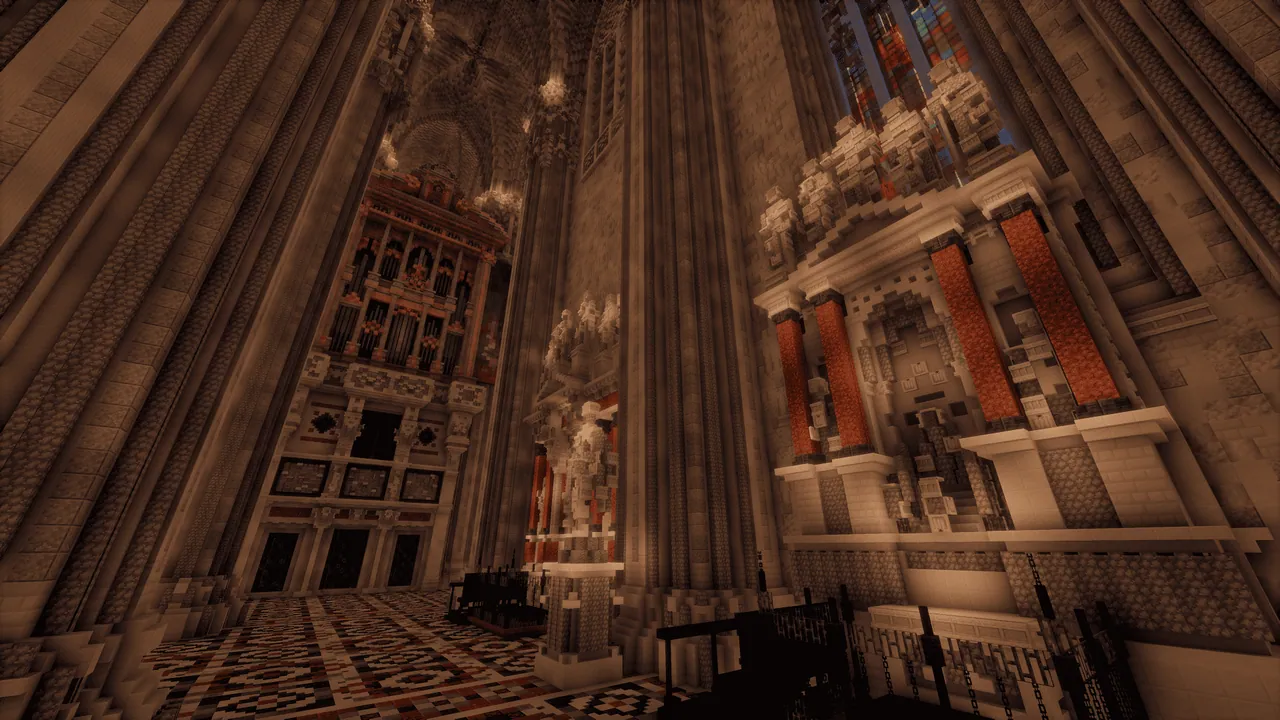
A large-scale Minecraft recreation of the Milan Cathedral (Duomo di Milano) in Italy, featuring both exterior and interior details.
Overview
Milan Cathedral is a large-scale Minecraft recreation of the Duomo di Milano built by MacaroniMuse. This project is the creator's second attempt at the landmark, constructed at a significantly bigger size than their original version from three years prior. Players can explore the map in singleplayer or together with friends.
The building process took roughly three months to complete, replicating a real-world structure that took about 600 years to construct. To ensure accuracy for the exterior, interior, and numerous carved statues, the builder studied visitor photos, videos, and Google Street View. Because ongoing real-life restoration work hid certain sections of the building inside and out, some minor details may differ from the actual cathedral.
Technical Details and Setup
Designed for Minecraft Java Edition 1.21.11, the map spans a total area of 3,000 by 3,000 blocks. A datapack that removes the Y-level height limit is already applied to the world to accommodate the tall structure. For the intended visual experience, the creator suggests using the Voxy mod to extend render distance, the Eclipse Shader (a specific settings file is included), and the optional Stay True resource pack.
Several gamerules are pre-configured in the save file to preserve the build and maintain a stable environment. Time and weather progression are both disabled, and mob spawning is turned off. Additionally, random tick speed is set to zero, fire spread is prevented, and TNT explosions are deactivated.
Terms of Use
Redistributing this world file is not permitted, and commercial server use requires prior agreement from the creator. Players who showcase the map on any platform must credit MacaroniMuse, and anyone planning to use the world for a personal livestream should contact the builder by email beforehand.
How to install
- Download the file and unzip it if it is a .zip.
- Move the world folder into
.minecraft/saves(Java Edition). - Start Minecraft, open Singleplayer and choose the world.
Similar
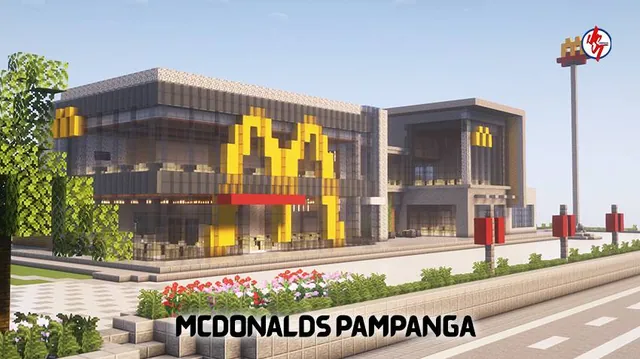
A recreation of the two-storey Megaworld McDonald's branch in Pampanga, Philippines, complete with drive-thru, McCafé, and dining areas.
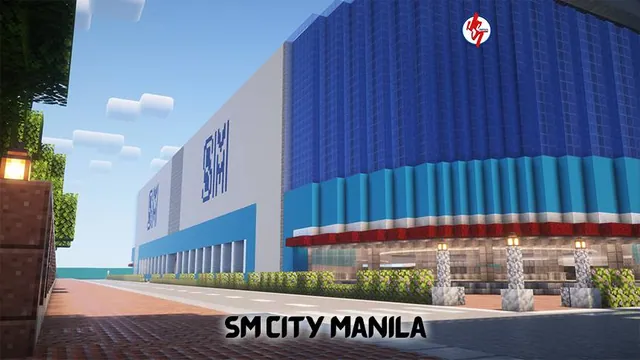
A Minecraft Bedrock recreation of the SM City Manila shopping mall located in Ermita, Manila, Philippines.
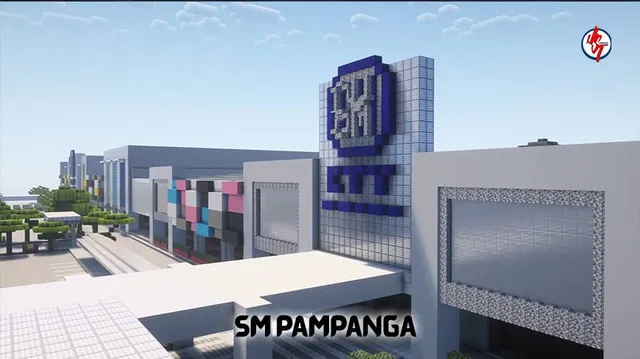
A Minecraft Bedrock replica of the SM City Pampanga shopping mall in San Fernando and Mexico, Pampanga, Philippines.

A Minecraft Bedrock recreation of the Bulacan State University main campus in Malolos, Bulacan, Philippines.
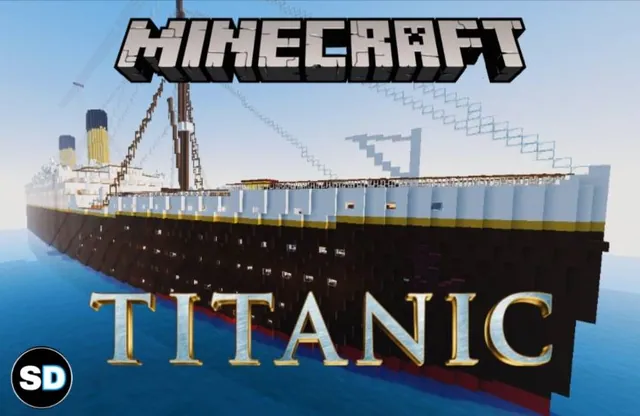
A full-scale Minecraft Bedrock replica of the historic ocean liner RMS Titanic complete with detailed interior rooms and the RMS Carpathia.
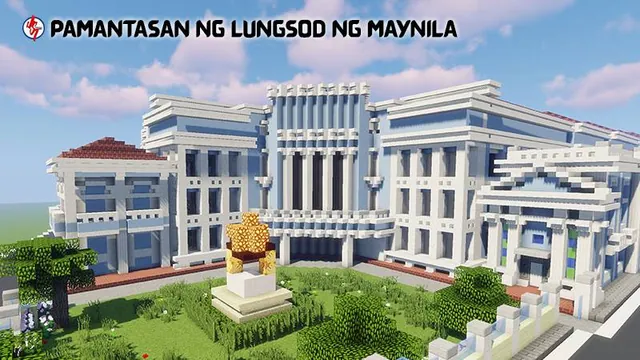
A detailed Minecraft Bedrock recreation of the Pamantasan ng Lungsod ng Maynila university campus in Intramuros, Manila, Philippines.
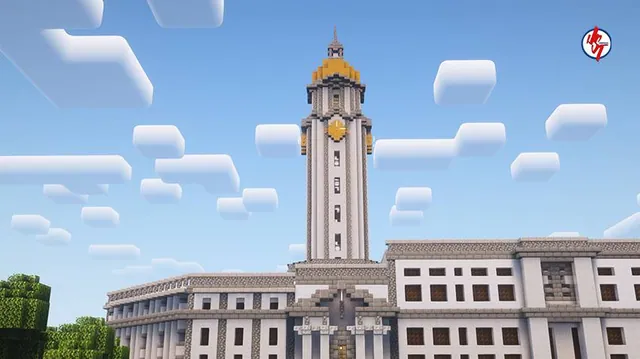
A Minecraft Bedrock replica of the Manila City Hall, the official seat of government of Manila, Philippines.
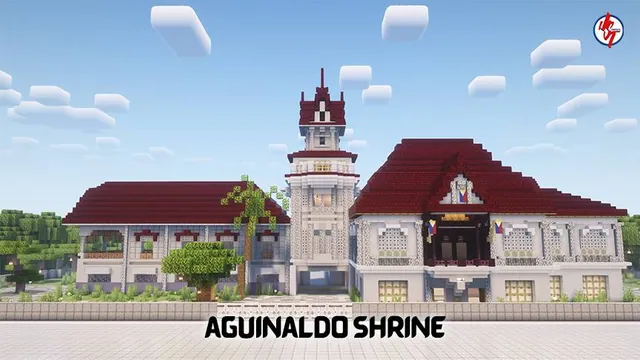
A survival-ready Minecraft Bedrock recreation of the historic Aguinaldo Shrine in the Philippines with full interior and exterior.