
World Towers 1:1
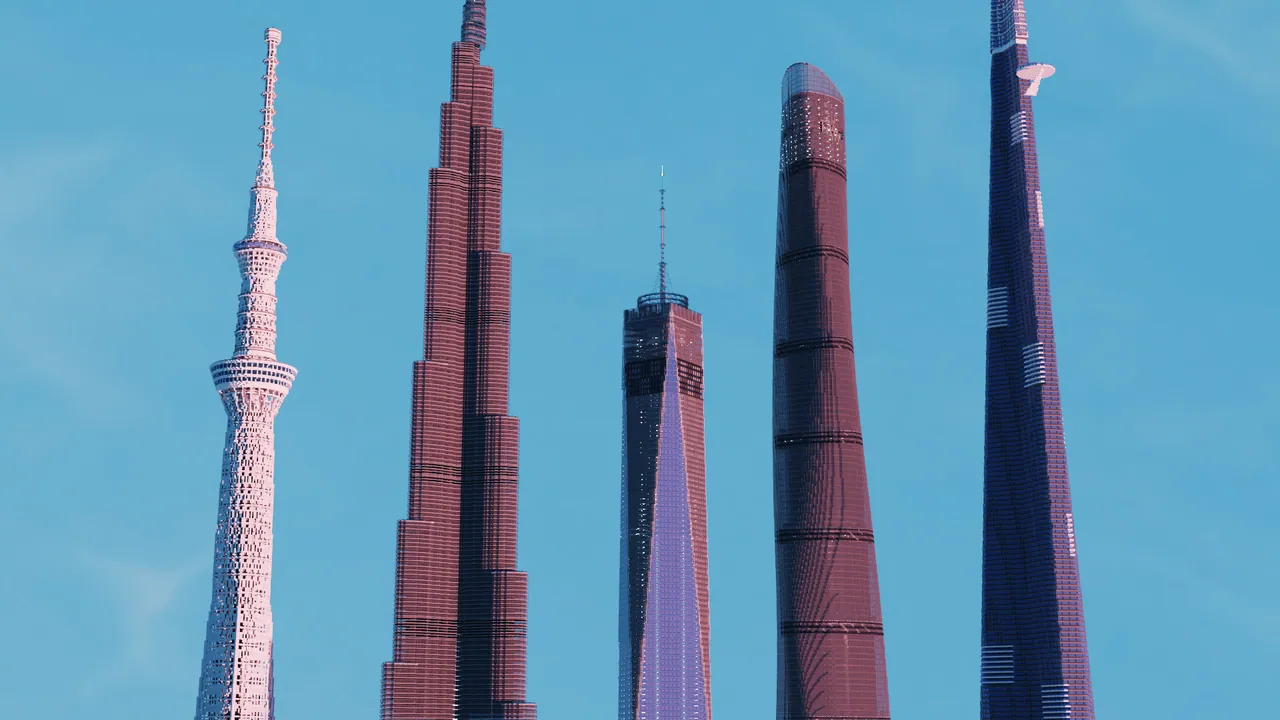
A 1:1 scale showcase collection of famous real-world skyscrapers and towers including Burj Khalifa, Shanghai Tower, and Tokyo Skytree.
Overview
World Towers 1:1 is a Minecraft Java Edition map by MakoEnergyGamer that gathers famous real-world skyscrapers and towers into one location. Players can explore the map to observe the massive height variations between these landmarks, take screenshots, film showcase videos, or integrate the structures into personal city builds. The creator focused primarily on representing the general dimensions, recognizable outline, and height of each landmark. Consequently, while certain buildings have intricate details, others emphasize overall shape, so complex top sections, exteriors, and minor structural aspects might not fully match the actual architecture.
Every structure is built at a 1:1 scale where 1 block equals 1 meter, translating to a thousand blocks per kilometre. Since these full-sized buildings surpass the default vertical build limit in Minecraft, the save file incorporates a specialized height-extension data pack. This included data pack is essential for rendering the towers properly and must stay active inside the world folder. Furthermore, to accommodate this altered vertical limit, any new chunks loaded by players are purposefully designed to generate as empty void.
Included Structures and Compatibility
The project showcases multiple well-known global skyscrapers alongside several additional towers in the same environment. Specific landmarks available to view include the Burj Khalifa, Jeddah Tower, Shanghai Tower, One World Trade Center, and Tokyo Skytree. Placing these structures in a single world allows visitors to directly compare their proportions.
This release is a standard Java Edition world rather than a mod or modpack, offering separate versions for 1.21.11 and 26.3. Other game versions remain untested and unverified. You are permitted to incorporate the map and its structures into your own Minecraft builds, livestreams, and video content, provided you give clear credit to MakoEnergyGamer, never claim ownership of the work, and do not re-upload the files for others to download.
How to install
- Download the file and unzip it if it is a .zip.
- Move the world folder into
.minecraft/saves(Java Edition). - Start Minecraft, open Singleplayer and choose the world.
Similar
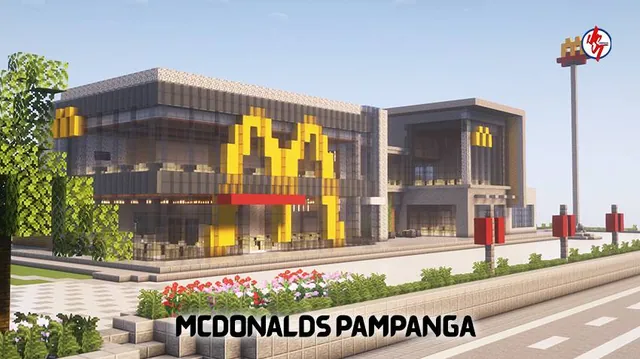
A recreation of the two-storey Megaworld McDonald's branch in Pampanga, Philippines, complete with drive-thru, McCafé, and dining areas.
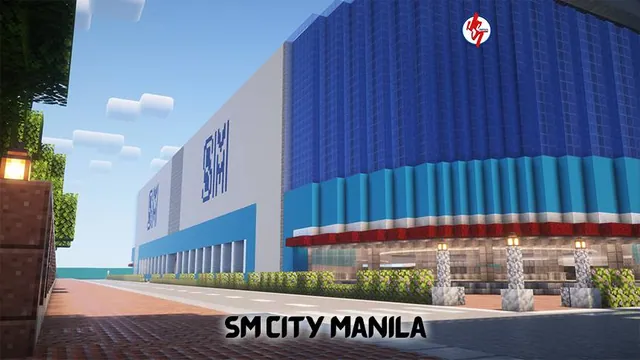
A Minecraft Bedrock recreation of the SM City Manila shopping mall located in Ermita, Manila, Philippines.
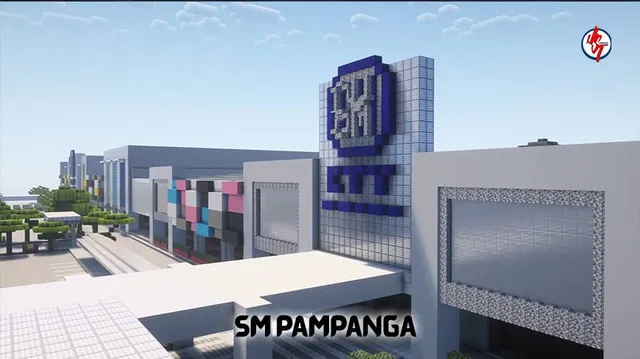
A Minecraft Bedrock replica of the SM City Pampanga shopping mall in San Fernando and Mexico, Pampanga, Philippines.

A Minecraft Bedrock recreation of the Bulacan State University main campus in Malolos, Bulacan, Philippines.
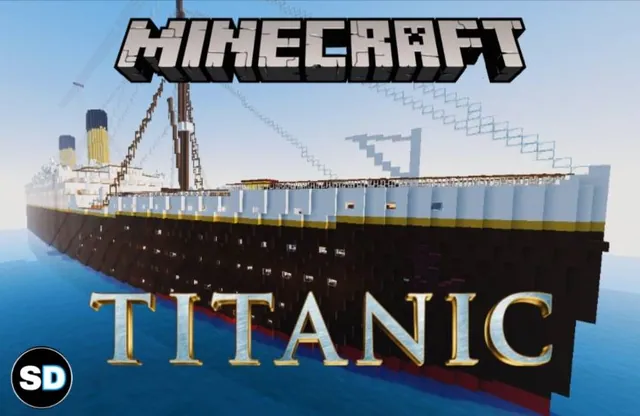
A full-scale Minecraft Bedrock replica of the historic ocean liner RMS Titanic complete with detailed interior rooms and the RMS Carpathia.
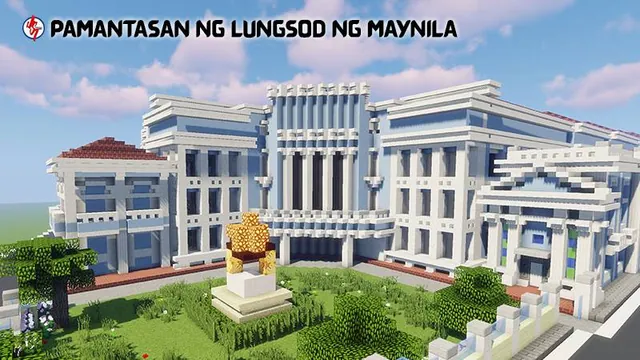
A detailed Minecraft Bedrock recreation of the Pamantasan ng Lungsod ng Maynila university campus in Intramuros, Manila, Philippines.
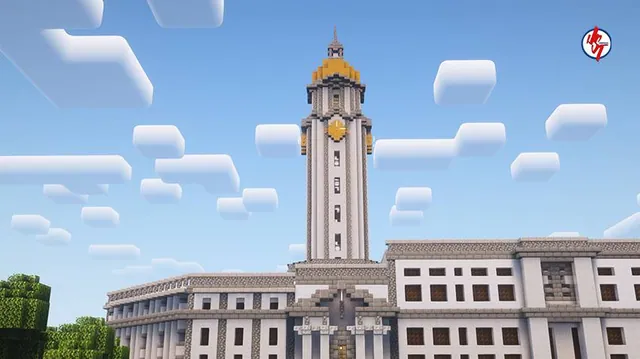
A Minecraft Bedrock replica of the Manila City Hall, the official seat of government of Manila, Philippines.
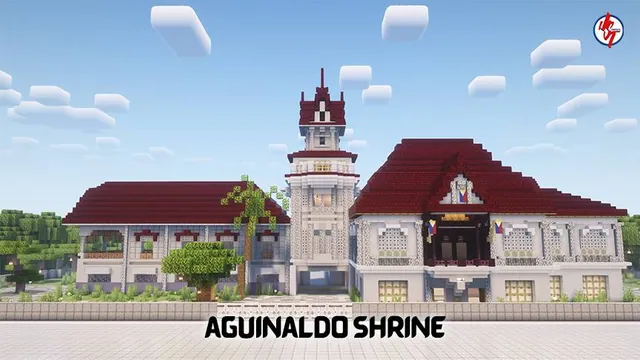
A survival-ready Minecraft Bedrock recreation of the historic Aguinaldo Shrine in the Philippines with full interior and exterior.