
Tate Worlds: Soul of the Soulless City
An educational adventure map set in 1920s New York City with skyscrapers and railways inspired by Christopher Nevinson's painting.
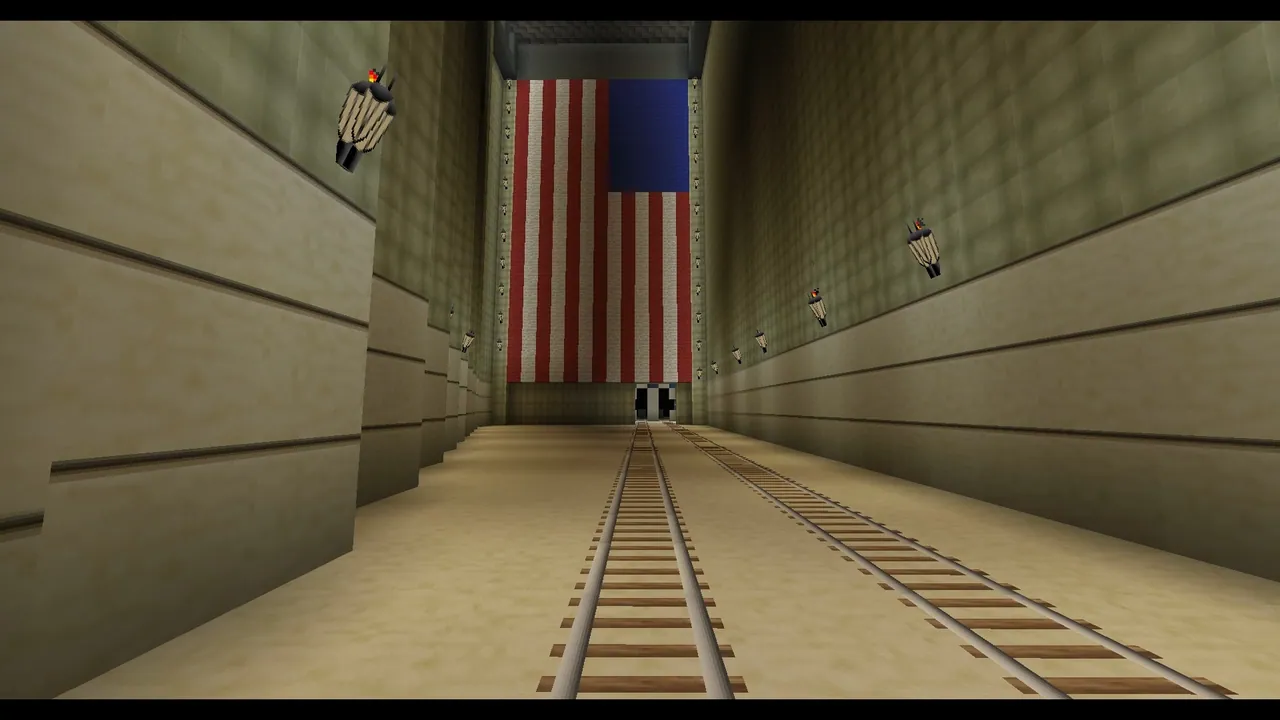
Overview
Tate Worlds: Soul of the Soulless City is a Minecraft map inspired by a 1920 painting from the Tate collection. Created by British artist Christopher Nevinson, the original Futurist-style artwork depicts the active and rapidly evolving environment of 1920s New York. The painting captures the energy of the modern city through its railways and newly built skyscrapers. This project is part of the broader Tate Worlds series, which transforms famous paintings and the real-world locations they represent into playable virtual spaces.
The map was developed through a collaborative effort with a group called The Common People. Adam Clarke served as the lead artist and producer for the project, while Dragnoz worked as the map maker. The construction of the virtual environment was completed by Minecraft builders Kupo, Featherblade, and Tewkesape. Together, the team created a space where players can learn how the artwork was made and discover the stories behind it.
What the Map Includes
Players begin their experience in 1920s New York by boarding a train that passes historical landmarks Christopher Nevinson would have observed. This railway trip turns into a roller-coaster ride moving toward the future as tall buildings rise higher and higher around the track. Throughout the journey, visual and audio elements representing the roaring twenties accompany the player. The environment combines real-life historical context with the imaginary world of the painting.
Several themed activities and challenges related to the era and the artwork are built into the city. Visitors can participate in constructing a skyscraper of their own within the urban setting. Another task involves joining construction workers for a risky lunch high up in the sky. Players can also take part in a race through the metropolis to see a film.
How to install
- Download the file and unzip it if it is a .zip.
- Move the world folder into
.minecraft/saves(Java Edition). - Start Minecraft, open Singleplayer and choose the world.
Similar
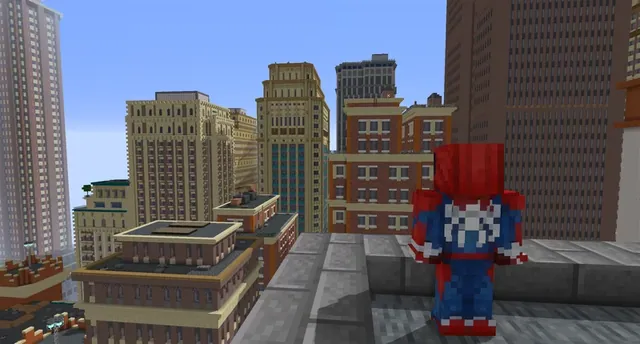
A New York City and Manhattan map built for Minecraft 1.7.10 using the Fisk's Superheroes mod.
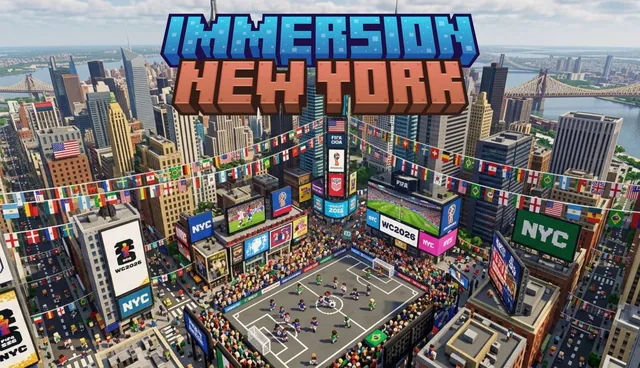
A large-scale map of New York City for Minecraft Bedrock featuring Brooklyn, Central Park, and the Statue of Liberty.
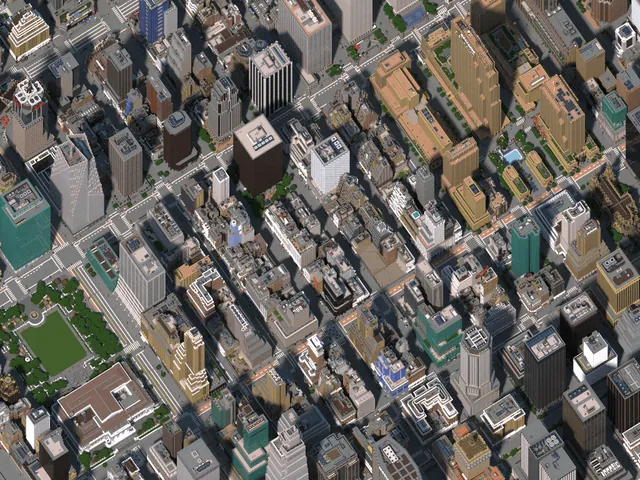
A detailed Minecraft recreation of Midtown Manhattan in New York City.
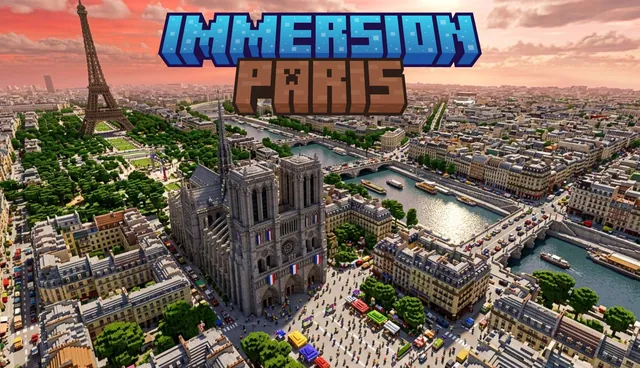
A small-scale recreation of Paris, France featuring the Eiffel Tower, Arc de Triomphe, Champ-de-Mars, and city apartments.
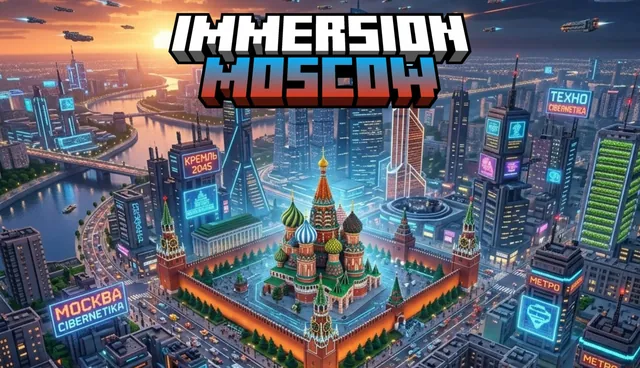
A large-scale city map of Moscow, Russia featuring buildings, apartments, hotels, and roads.
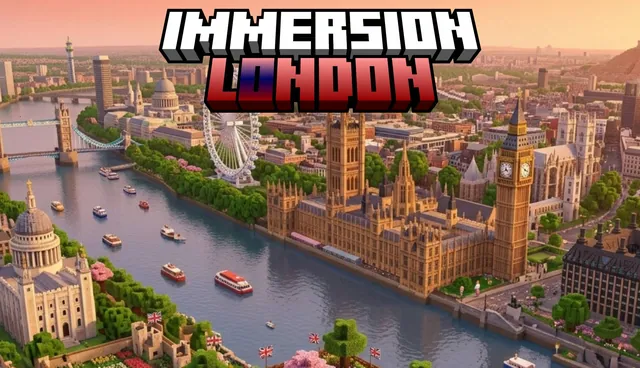
A large-scale Minecraft Bedrock map of London featuring landmarks such as Big Ben, the Palace of Westminster, the London Eye, and a metro system.
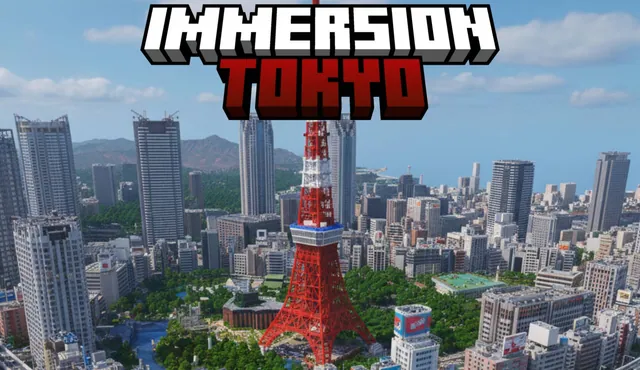
A small-scale Minecraft Bedrock map of Tokyo, Japan featuring modern buildings, pagodas, and a Mount Fuji spawn point.
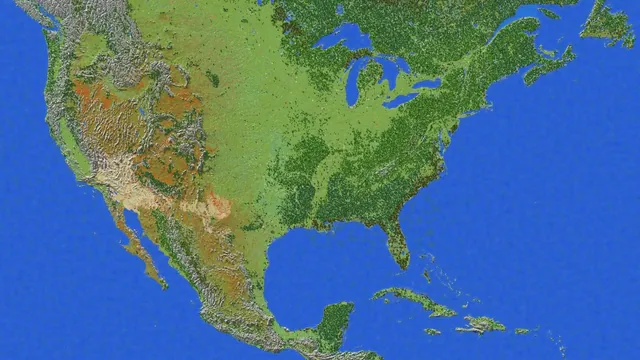 1:1750
A 1:1750 scale survival terrain map of the United States for Minecraft Bedrock with caves, ores, and dungeons.