
Moobloom (FlowerCow)
A mod that brings the Moobloom from Minecraft Earth into Java Edition with multiple flower variants and datapack customization.
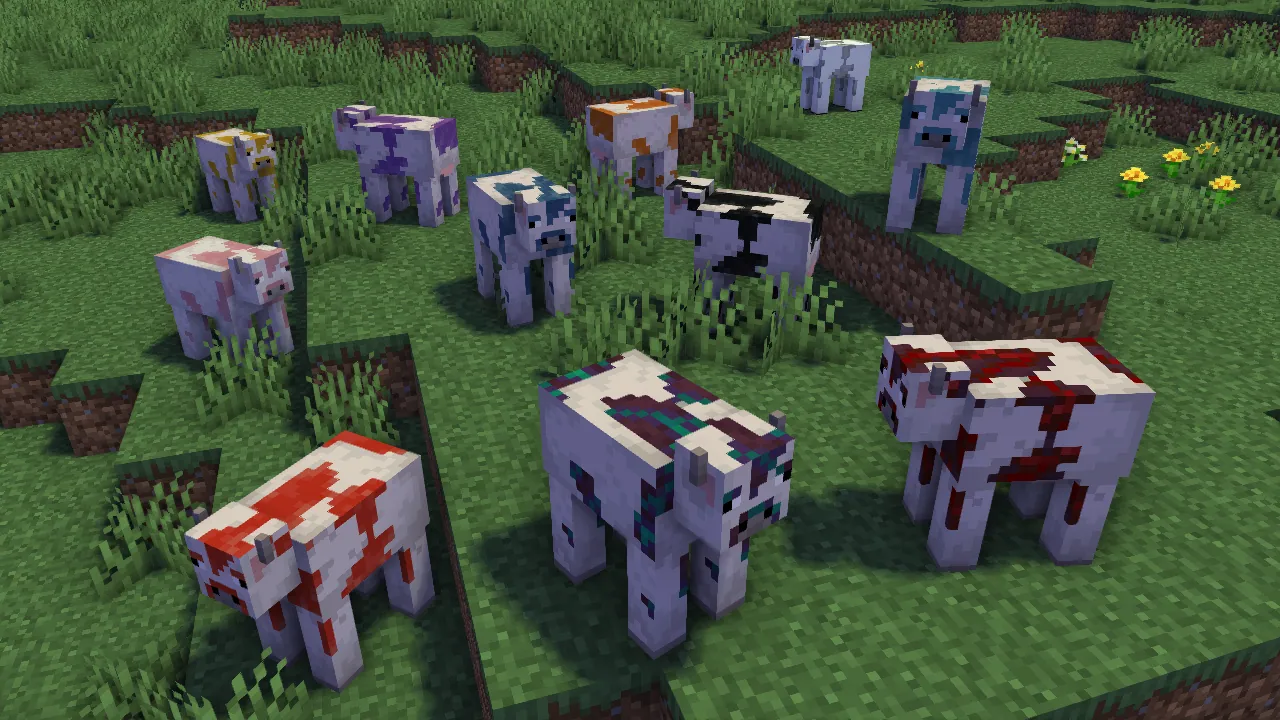
Overview
Created by BelgieMinecraft, the Moobloom (FlowerCow) mod introduces flower cows with numerous variations into Minecraft Java Edition. The primary objective of this project is to expand the game with these floral mobs while focusing on compatibility with upcoming game releases. In addition to the built-in animals, players have the ability to introduce their own versions through datapacks. Currently, the modification operates exclusively on Forge and NeoForge mod loaders.
Rare and Special Moobloom Variants
Certain rare flower cows do not appear naturally in the world, meaning players must breed two existing mooblooms in specific locations to obtain special variants. Taking a pair to the pale garden and breeding them produces an Eyeblossom Moobloom, with the exact eyeblossom type determined by whether the breeding occurs during the day or at night. Similarly, breeding two of these cows inside any biome containing trail ruins results in a Torchflower Moobloom, while doing so within a soul sand valley biome yields a Wither Rose Moobloom.
Weather events also play a role in creating unique flower cows, as a Golden Dandelion Moobloom is exclusively created when lightning strikes a standard dandelion moobloom. Like the location-based breeds, this variant cannot be found through normal world generation. Players must wait for a thunderstorm or find a way to direct lightning toward a regular dandelion variant to cause this transformation.
Custom Variants via Datapacks
For players who want to expand the mob selection further, datapacks allow the creation of custom moobloom variants with adjustable behaviors and appearances. Users can define the specific texture of the cow and choose which block grows on its back. Furthermore, the configuration options control whether players can use bone meal on the mob and whether the animal randomly places its assigned back block onto the ground as it walks around.
How to install
- Install the loader shown in the table (Fabric, Forge or NeoForge) for the same Minecraft version.
- Put the .jar file into
.minecraft/mods. - Start Minecraft with that loader profile.
Similar
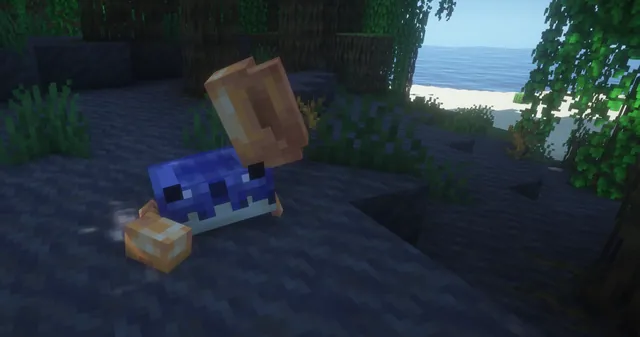
Adds outvoted and forgotten Minecraft mobs including the Moobloom from Minecraft Earth, along with Copper Golem, Glare, Rascal, and Iceologer.
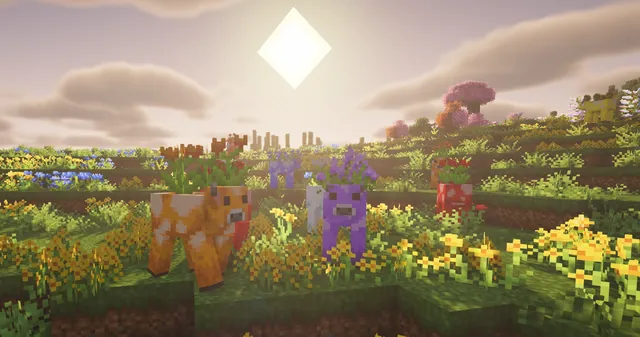
An addon for Friends&Foes that adds sixteen flower variants of the Minecraft Earth Moobloom mob.

Brings 14 exclusive mobs, blocks, and items from the discontinued Minecraft Earth game into Java Edition.

Ports mobs, items, and unique creature behaviors from Minecraft Earth to Minecraft Java Edition.
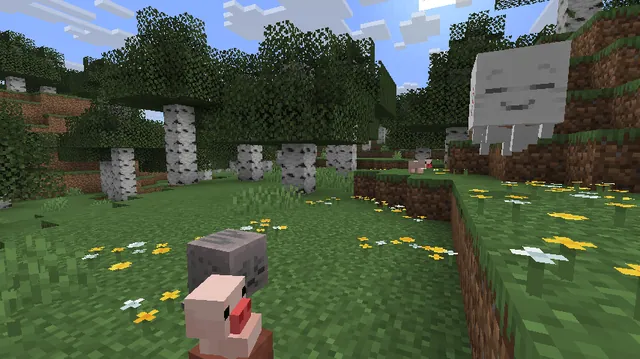
Brings mobs from the discontinued AR game Minecraft Earth into the Minecraft Overworld.
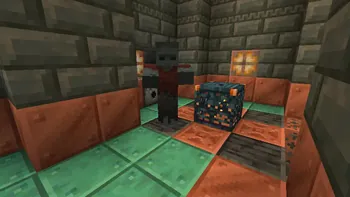
A mod that brings mobs from Minecraft Earth, such as Muddy Pigs, Jolly Llamas, Boulderers, and Viler Witches, into the Overworld.
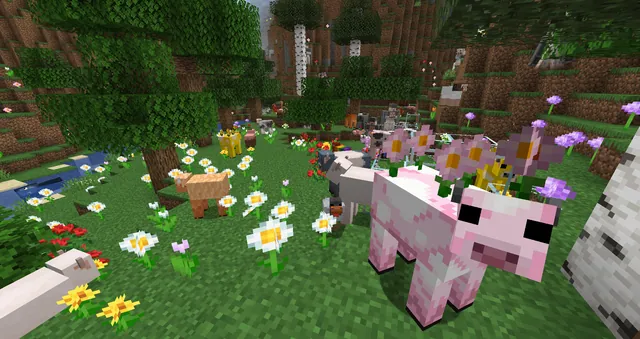
A mod that brings mobs, items, and blocks from Minecraft Earth into Java Edition.

A backport mod for Minecraft 1.15 and 1.16 adding Caves & Cliffs features along with the Moobloom, Glow Squid, and Iceologer.