
RealWeather
A Paper server plugin that syncs in-game Minecraft weather with real-world weather from any city via the OpenWeather API.

Overview
RealWeather is a Java Edition server plugin created by MaksimovAV and EGN that synchronizes in-game atmospheric conditions with live meteorology from any city around the globe. Powered by the OpenWeather API, this tool is designed for Paper 1.21+ servers running Java 21 or newer, supporting game versions 1.21.5 through 1.21.9. It fits well into survival, roleplay, adventure, and city-themed servers that aim to mirror real-world locations.
The plugin converts actual weather patterns into standard Minecraft environmental states. Clear skies, clouds, fog, and mist translate into clear in-game skies, while rain and drizzle trigger standard rainfall. Real-world snow causes rain accompanied by snow particles, and actual thunderstorms bring thunder and lightning into the selected server worlds.
Features and Customization
Server administrators can configure the system to update automatically at set intervals, typically recommended between 15 and 30 minutes. Using a simple YAML configuration file without requiring an external database, owners can specify which individual worlds receive the synchronized weather. The settings also allow toggling thunder on or off, enabling a debug mode for troubleshooting, and adjusting a time multiplier between 0.5x and 3x to shorten or extend weather duration.
The plugin uses asynchronous API calls and smart caching to maintain server performance without causing lag. It consumes roughly 2MB of RAM, receives API responses in under 500ms, and stays within the free OpenWeather tier limit of 1,000 daily calls.
Commands and Permissions
Full manual control is available through in-game commands that include tab completion and colored interface messages. Players and staff can check current settings with `/rw info`, while administrators can force immediate updates via `/rw update`, switch the target location using `/rw setcity`, toggle automatic synchronization with `/rw toggle`, or refresh the YAML settings with `/rw reload`.
Access to these controls is managed through permission nodes compatible with systems like LuckPerms and PermissionsEx. By default, all players have the `realweather.info` node to view current data, whereas administrative actions like forcing updates, reloading configurations, and changing cities are restricted to operators through specific permission nodes or the overarching `realweather.admin` permission.
How to install
- Install the loader shown in the table (Fabric, Forge or NeoForge) for the same Minecraft version.
- Put the .jar file into
.minecraft/mods. - Start Minecraft with that loader profile.
Similar
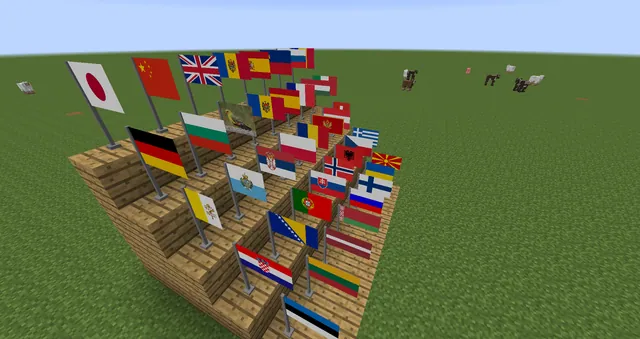
Adds European country flags that players can place as decorative blocks in the world.
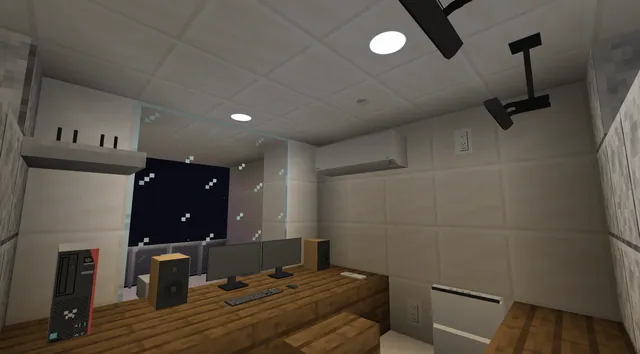
Adds real-life Japanese furniture, household appliances, street signs, and urban station equipment for building modern Japan.
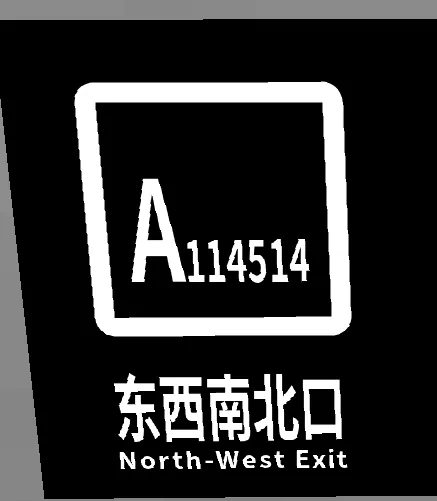
An addon for Minecraft Transit Railway adding real-world Beijing Subway screen doors, ticket barriers, and transit signs.

A decorative mod adding blocks, canopies, and tactile guides based on the Mexico City Metro system.
Adds decorative station signs and wayfinding blocks modeled after the real Washington, D.C. Metrorail system.

A companion mod for an Earth SMP server adding land claims, metro trains, ocean liners, and player trading.

A Fabric mod that synchronizes Minecraft's day/night cycle, weather, and moon phases with real-world data.

A Spigot plugin that provides a GUI menu of premade real-world country flags for decoration.