
Weather Watch
A mod that syncs in-game weather, seasons, and time with real-life local weather data and system clock.

Overview
Weather Watch is a Java Edition mod by Consular that mirrors real-world weather conditions in your Minecraft world. The project bridges the gap between your local environment and your gameplay by checking outside conditions. When a storm or clear sky occurs in your area, the mod adjusts the in-game climate to reflect that exact state.
The mod retrieves live meteorological data through WeatherAPI by checking the IP address of the server or singleplayer host. Because location tracking relies on the IP address, utilizing a VPN allows players to experience live weather patterns from entirely different regions. Additionally, the mod synchronizes the in-game lunar cycle with the real-life moon phase in your local area by default.
Season and Time Synchronization
When paired with the Serene Seasons mod, Weather Watch automatically aligns the in-game season with the current month on your system clock. It groups the year into blocks of 3 months per season, such as assigning December through February to winter, while adjusting the corresponding months based on your hemisphere. During multiplayer sessions, the season calculation simply reads the host server's clock.
An optional time synchronization feature matches the in-game daylight cycle to your computer's real-time clock. This setting is turned off by default because it prevents players from using beds to skip to daytime, making it impractical for normal survival gameplay. However, it serves as a fitting choice for peaceful worlds or roleplay servers, and it will even shift forward or backward during American Daylight Savings changes.
Configuration Options
Server operators and solo players can customize which real-world elements are active through the mod configuration settings. The syncWeather, syncSeasons, and syncMoonPhase toggles are set to true by default, though the season option has no effect unless Serene Seasons is installed. Players can also enable syncTime or adjust the ip-override setting from its default server value to manually control which IP address goes into the location fetcher.
How to install
- Install the loader shown in the table (Fabric, Forge or NeoForge) for the same Minecraft version.
- Put the .jar file into
.minecraft/mods. - Start Minecraft with that loader profile.
Similar
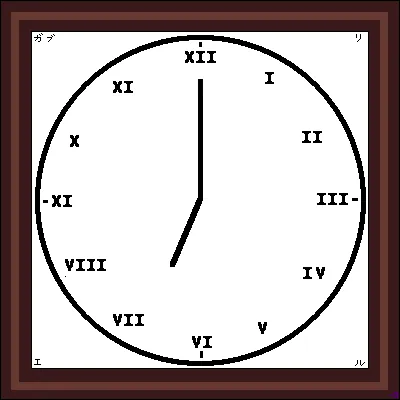
A server plugin that synchronizes Minecraft's day/night cycle with real-world time zones or solar time at real geographic coordinates.

A server plugin that synchronizes in-game time and weather with real-world locations.
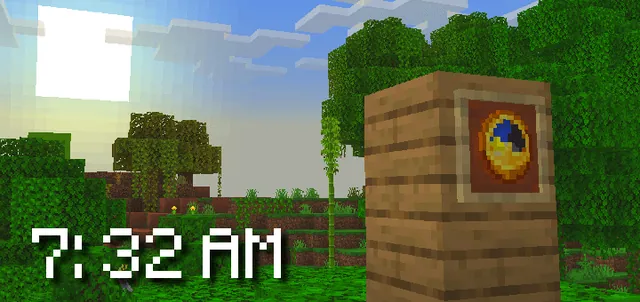
A Bedrock addon that synchronizes the Minecraft world time with real-life time and configurable timezones.

A server-side Fabric mod that synchronizes in-game weather with real-world locations via the OpenMeteo API.

A server plugin that synchronizes in-game time and weather with any real-world location and timezone.

A Fabric mod that syncs the in-game daylight cycle and weather to real-world latitude and longitude coordinates.

A server plugin that syncs in-game weather with real-life weather conditions at specified GPS coordinates.

A Forge mod that renders live real-world aircraft in Minecraft using real-time OpenSky Network geolocation data.