
Great Fire 1666: Pre-Fire London
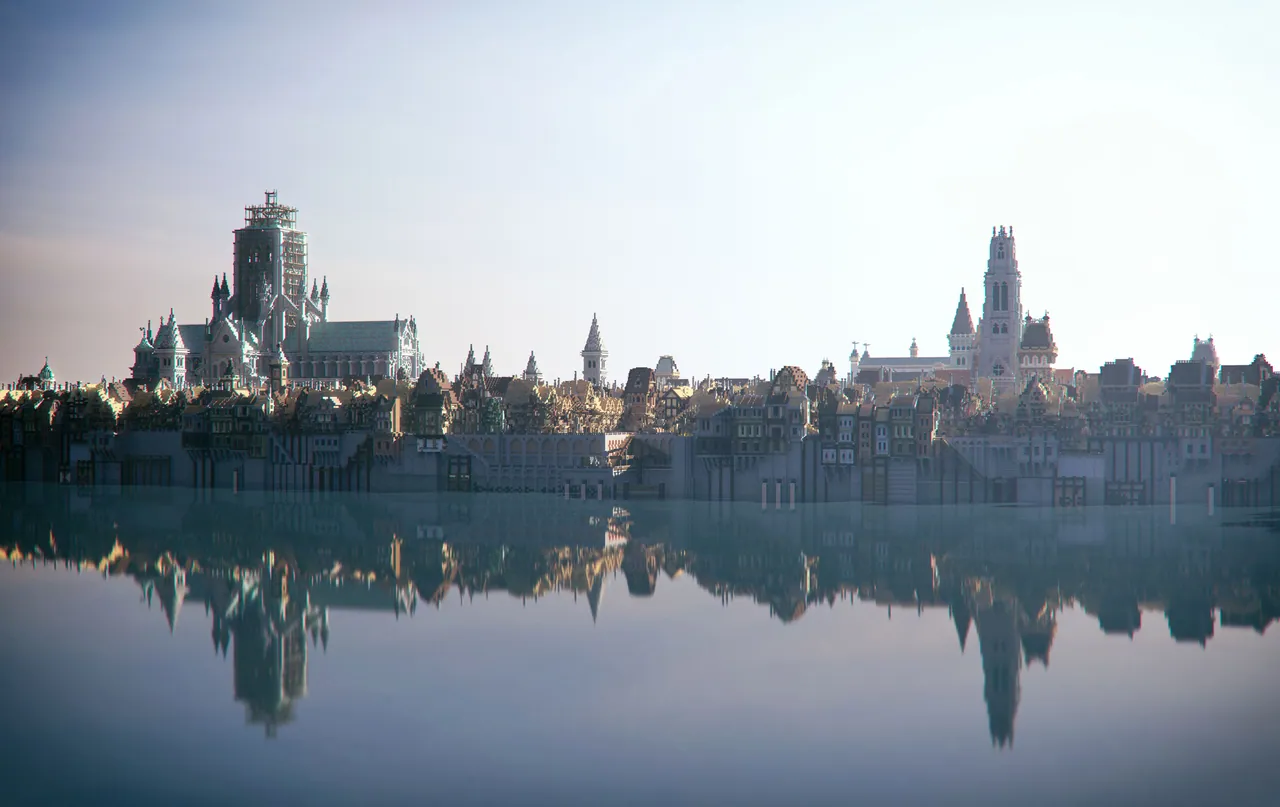
An educational historical map of the City of London in 1666 before the Great Fire, created with the Museum of London.
Overview
Great Fire 1666: Pre-Fire London is a Minecraft map that recreates the City of London prior to the historical disaster. Serving as the initial installment in a series, this world lets players walk through the capital as it stood 350 years ago. The environment includes recognizable historical sites such as Pudding Lane, London Bridge, and the former St Paul's Cathedral. By navigating the layout, visitors can examine the conditions that contributed to the catastrophe, including timber buildings, tight alleyways, and the effects of an extended dry summer.
The project was developed through a partnership involving the Museum of London, Blockworks, Adam Clarke, and Dragnoz. Drawing from the archives of the Museum of London, the creators designed the series to illustrate the origins of the blaze, the efforts to combat it, and the subsequent reconstruction of the capital. Each installment in the collection incorporates specific tasks to help players understand the historical timeline and the daily lives of the residents.
Activities and Exploration
Players can participate in an audio scavenger hunt featuring voice work from Stampy and Wizard Keen. This activity requires searching the streets for 12 hidden records that provide historical facts about the fire and how local living conditions worsened the event. Gathering all 12 audio tracks unlocks a preview of the next map in the series.
Additional historical context is scattered throughout the environment in the form of books, artwork, and worn guides. Finding these tattered maps assists players with navigation through the street network. Meanwhile, the paintings and history books placed around the city offer further details about life in London 350 years ago.
How to install
- Download the file and unzip it if it is a .zip.
- Move the world folder into
.minecraft/saves(Java Edition). - Start Minecraft, open Singleplayer and choose the world.
Similar
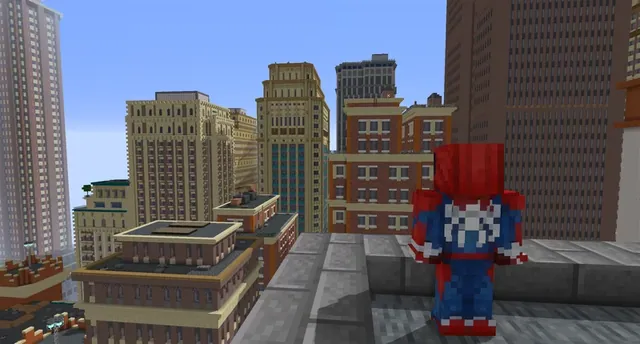
A New York City and Manhattan map built for Minecraft 1.7.10 using the Fisk's Superheroes mod.
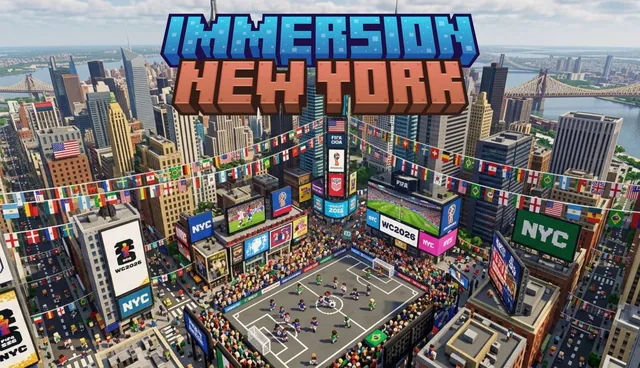
A large-scale map of New York City for Minecraft Bedrock featuring Brooklyn, Central Park, and the Statue of Liberty.
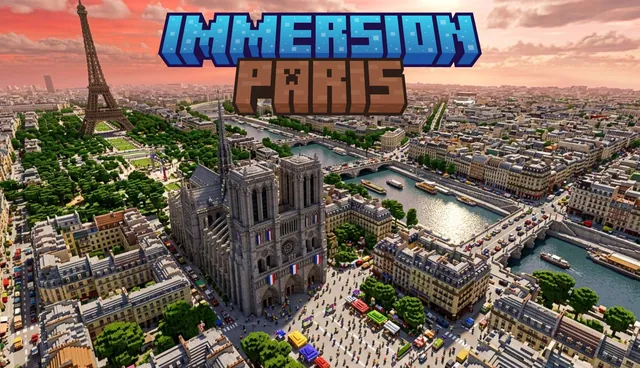
A small-scale recreation of Paris, France featuring the Eiffel Tower, Arc de Triomphe, Champ-de-Mars, and city apartments.
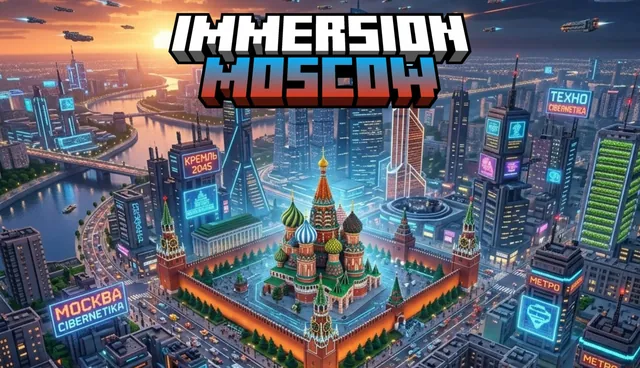
A large-scale city map of Moscow, Russia featuring buildings, apartments, hotels, and roads.
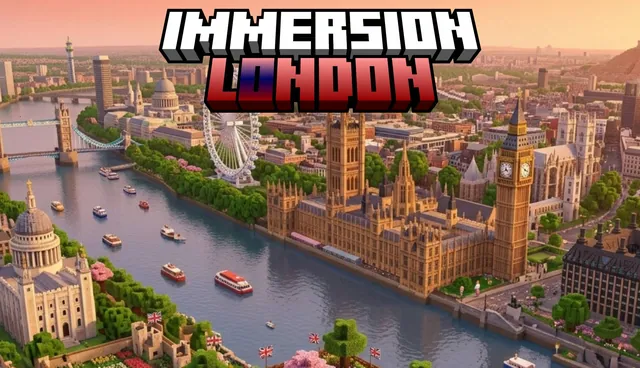
A large-scale Minecraft Bedrock map of London featuring landmarks such as Big Ben, the Palace of Westminster, the London Eye, and a metro system.
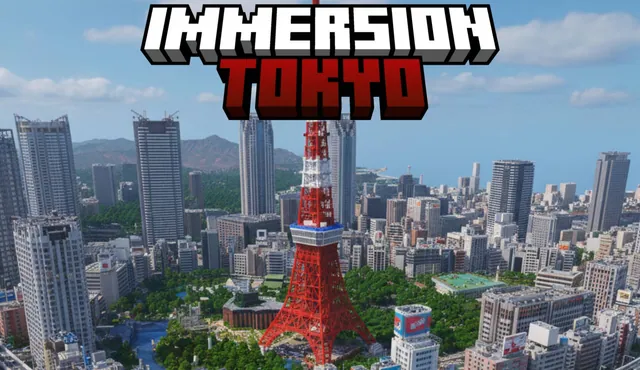
A small-scale Minecraft Bedrock map of Tokyo, Japan featuring modern buildings, pagodas, and a Mount Fuji spawn point.
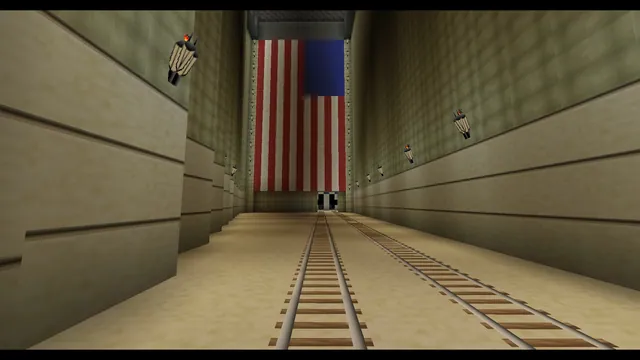
An educational adventure map set in 1920s New York City with skyscrapers and railways inspired by Christopher Nevinson's painting.
 1:1
A world featuring UK and international cities and landmarks including London, Birmingham, Nottingham, and a 1:1 replica of Tower Bridge.