
Great Fire 1666: The Fire of London Adventure Map
An educational adventure map created with the Museum of London recreating 1666 London during the Great Fire.
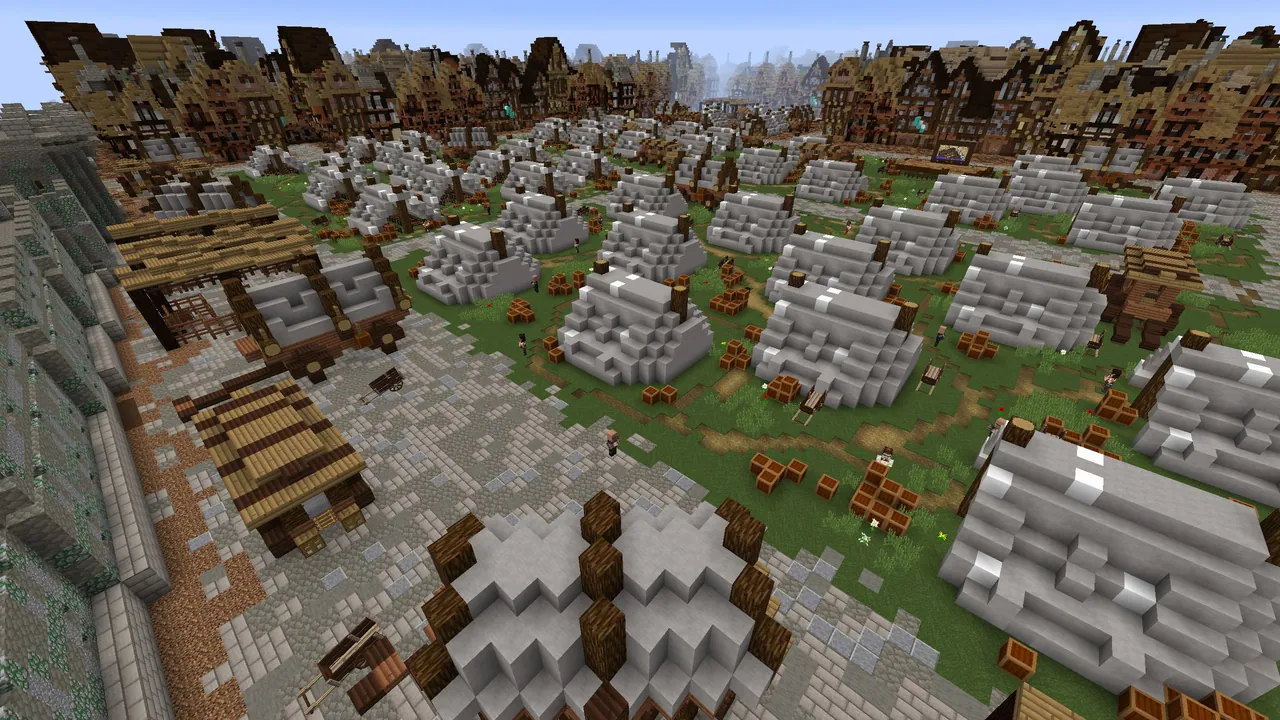
Overview
Great Fire 1666: The Fire of London Adventure Map is a historical Minecraft Java Edition project that recreates the City of London during the famous disaster. Drawing inspiration from the artifacts and archives of the Museum of London, this release serves as the second installment in the Great Fire 1666 map series. The overall project allows visitors to discover how the catastrophe started, join the firefighting efforts, and eventually take part in reconstructing the capital. A third and concluding installment, centered on rebuilding the city after the flames subsided, was planned for release in February 2017.
Gameplay and Mini-Games
Players progress through each day of the historical fire by completing a variety of mini-games and interactive tasks. Activities include working to extinguish the blaze, recovering citizens' belongings from burning residences, and using explosives to demolish buildings so the flames cannot spread further. Participants also work to protect St Paul's Cathedral from destruction and assist Samuel Pepys with burying his prized wine and cheese.
During the journey, participants interact with prominent historical residents from the era. These notable individuals include Thomas Farriner, the Mayor of London, and King Charles II. Meeting these personalities and tackling the daily objectives gives players a clearer perspective on what citizens endured during the crisis.
Project Development
This educational adventure was built through a joint effort combining museum historians and Minecraft creators. The team behind the release consists of the Museum of London, digital producer Adam Clarke, the professional building group Blockworks, and game designer Dragnoz. Together, they crafted the world and scripted the scenarios that guide players through the historical timeline.
How to install
- Download the file and unzip it if it is a .zip.
- Move the world folder into
.minecraft/saves(Java Edition). - Start Minecraft, open Singleplayer and choose the world.
Similar
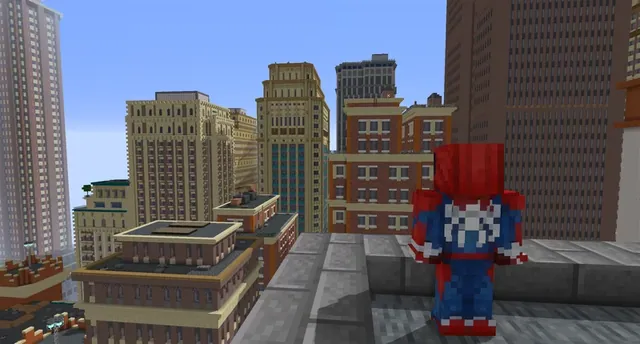
A New York City and Manhattan map built for Minecraft 1.7.10 using the Fisk's Superheroes mod.
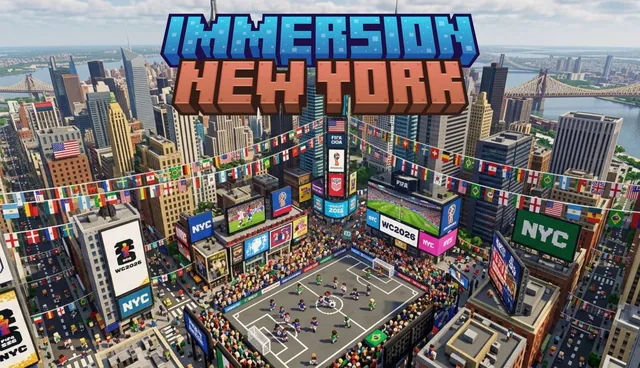
A large-scale map of New York City for Minecraft Bedrock featuring Brooklyn, Central Park, and the Statue of Liberty.
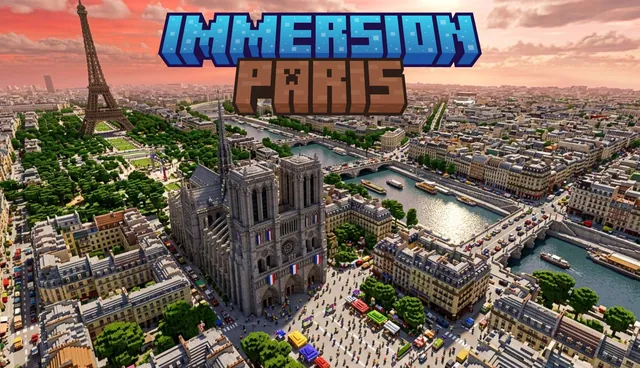
A small-scale recreation of Paris, France featuring the Eiffel Tower, Arc de Triomphe, Champ-de-Mars, and city apartments.
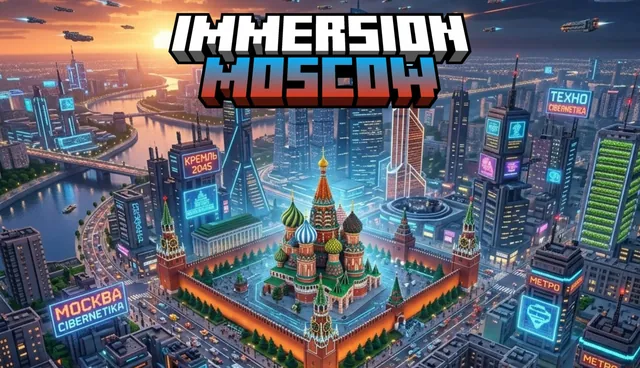
A large-scale city map of Moscow, Russia featuring buildings, apartments, hotels, and roads.
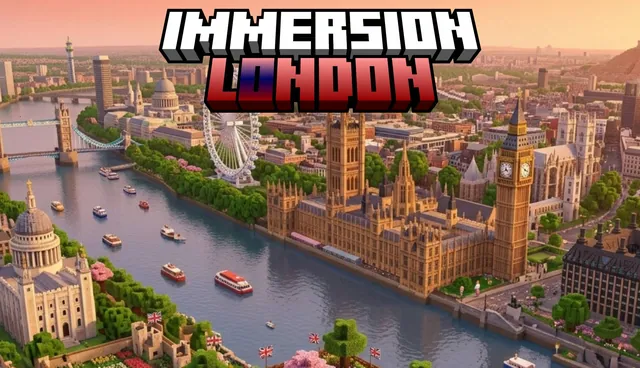
A large-scale Minecraft Bedrock map of London featuring landmarks such as Big Ben, the Palace of Westminster, the London Eye, and a metro system.
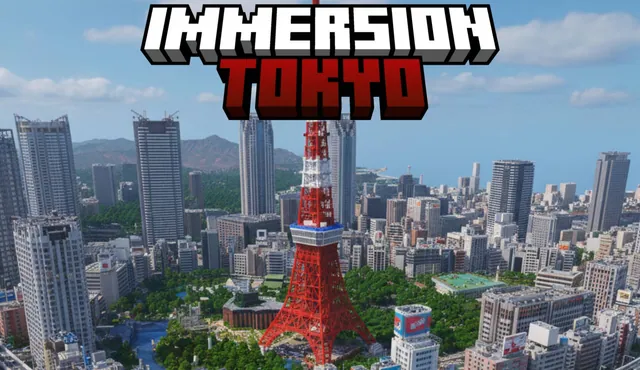
A small-scale Minecraft Bedrock map of Tokyo, Japan featuring modern buildings, pagodas, and a Mount Fuji spawn point.
An educational adventure map set in 1920s New York City with skyscrapers and railways inspired by Christopher Nevinson's painting.
 1:1
A world featuring UK and international cities and landmarks including London, Birmingham, Nottingham, and a 1:1 replica of Tower Bridge.