
Cubic Flight
A NeoForge mod allowing players to transfer between an ultraFLIGHT Earth chart and geographic cubic Earth terrain.

Overview
Cubic Flight by Pirut allows players to explore Earth on foot when transitioning from an ultraFLIGHT Explorer or Rocket Earth chart. Once a player steps out of their craft onto solid terrain, they can enter the /cubicflight surface command to begin walking across the block-based landscape. During this ground exploration, the vehicle remains stationed on the flight chart.
Returning to the flight chart and managing transfers is handled through specific in-game commands. Typing /cubicflight launchsite brings the player back to their craft at their current projected position, while /cubicflight off cancels the process. After completing a re-entry, a player who has landed and exited their vehicle is able to initiate a surface transfer once again.
System Requirements and Terrain Providers
Running the mod requires a specific setup on both the client and server for Minecraft Java Edition 1.21.1. The environment must use Java 21, NeoForge (verified on build 21.1.259), and ultraFLIGHT version 0.3.6 along with its required dependencies. Additionally, players must select only one terrain provider for each save file.
Two distinct terrain generation options are supported for building the world surface. For Geographic Earth terrain, players need Earth Platform 0.1.0-alpha.73, specifically using the earthplatform-combined-73.jar NeoForge release. For Seeded Highlands, the setup requires the standalone Chunks3 0.1.0-alpha.1 historical Alpha build (chunks3-0.1.0-alpha.1.jar with SHA-256 0f9e87d1218ac839a14ffff31497852c234b795ca4db7b47487668bb305af01e), as the subsequent NeoForge Beta build carrying the identical version number was not tested.
Testing Status
Several core mechanics have been verified across dedicated server and graphical client environments, though some flight features remain untested. Dedicated server testing has confirmed the functionality of surface transfers, ascent, descent, and automatic re-entry. On a graphical client, command-driven flight and geographic terrain transfers have also been verified, whereas manual cockpit flying and full client orbital round trips are currently unverified.
How to install
- Install the loader shown in the table (Fabric, Forge or NeoForge) for the same Minecraft version.
- Put the .jar file into
.minecraft/mods. - Start Minecraft with that loader profile.
Similar

A customizable world generation platform and API for Fabric, Forge, and Bukkit servers used to create custom and Earth-like terrain.
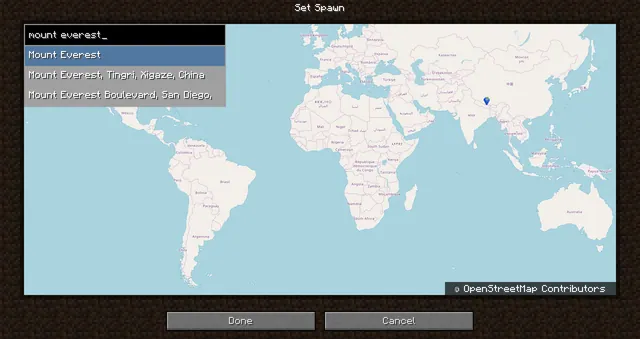 1:40m
A world generation mod that creates a customizable, scale-adjustable replica of planet Earth using streamed geographic data.
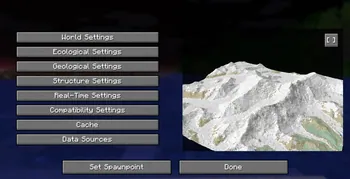
A world generation mod that streams real-world elevation, climate biomes, roads, and buildings from geographic and OpenStreetMap datasets.

A world generation mod that adds a real Earth world type to Minecraft.
 ~1:6
A configurable real-Earth world generator using AWS elevation tiles and climate data to create Earth terrain at adjustable zoom scales.
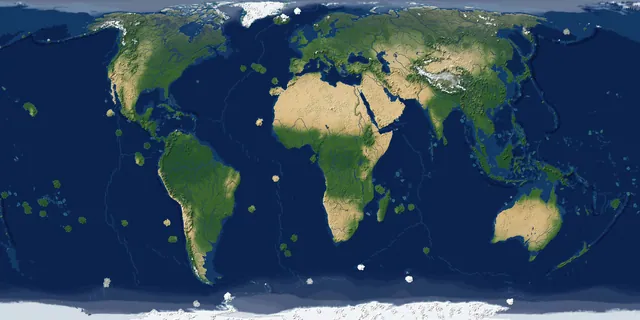
A real-Earth world generator for TerraFirmaCraft featuring real continents, rivers, lakes, mountains, climate zones, and coordinate spawning.
A China-optimized fork of the Tellus mod that generates real-world Earth terrain, elevation, biomes, and climate from geographic data.
 1 to 1
A performance-focused fork of the Terra 1 to 1 mod that generates the real Earth at a 1:1 scale using online datasets and OpenStreetMap.