
Many Mooblooms
Adds the Moobloom from Minecraft Earth to Java Edition along with 16 dye-color variants and custom flowers.
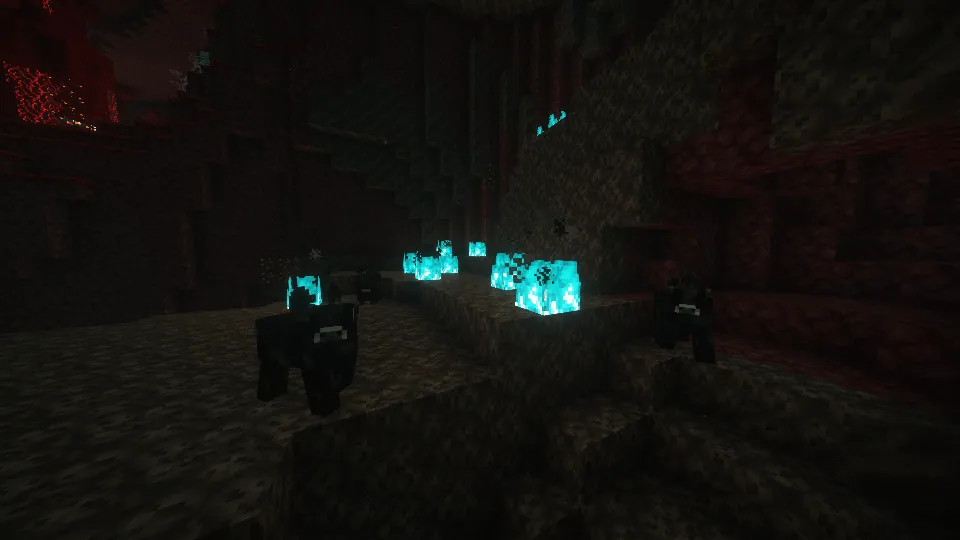
Overview
Many Mooblooms, which was formerly titled Trash's Mooblooms, is a Java Edition mod created by trashoflevillage. This project introduces the flower cow mob from Minecraft Earth into the game with 16 distinct color variants. Each variation corresponds to one of the standard Minecraft colors and carries a newly introduced type of flower on its back.
Moobloom Variants and Spawning
Each of the 16 Moobloom colors grows a unique flower species. The neutral varieties include White carrying Thunderbloom, Light Gray with Bellflower, Gray featuring Silver Iris, Black growing Withercup, and Brown sporting Boat Orchid. The remaining variants feature Red with Trillium, Orange with Butterfly Weed, Yellow with Buttercups, Lime with Conbush, Green with Gladioli, Cyan with Centians, Light Blue with Myosotis, Blue with Dayflowers, Purple with Morning Glory, Magenta with Butterfly Candy, and Pink with Tropical Hibiscus.
Players will only encounter the Yellow, Blue, and Red Mooblooms spawning naturally in the world. To acquire the majority of the other variations, players must breed existing Mooblooms together in order to blend their colors.
Mob Mechanics and Interactions
Players can use shears on a Moobloom to collect the flowers growing on its back. Unlike Mooshrooms, shearing a Moobloom does not turn it into a regular Cow, and the mob will instead regrow its blooms after 20 minutes. Additionally, interacting with one of these flower cows while holding a dyeable item will apply color to that object. Bees are also able to utilize Mooblooms for pollination, and the cows will remain stationary while the insects interact with them.
Technical Details for Developers
The mod provides 17 biome tags and a block tag to help modpack and datapack creators customize mob generation. The primary #trashs_mooblooms:moobloom_spawnable tag allows these mobs to generate in designated biomes, defaulting to the yellow variant if no specific color tag is assigned. Developers can designate particular variants using the color-formatted tags (#trashs_mooblooms:_moobloom_spawnable), which automatically add those biomes to the primary spawnable tag and select a random color if multiple tags are present. Furthermore, valid blocks for natural generation are governed by the #trashs_mooblooms:moobloom_spawnable_on tag, which defaults to #minecraft:animals_spawn_on.
How to install
- Install the loader shown in the table (Fabric, Forge or NeoForge) for the same Minecraft version.
- Put the .jar file into
.minecraft/mods. - Start Minecraft with that loader profile.
Similar
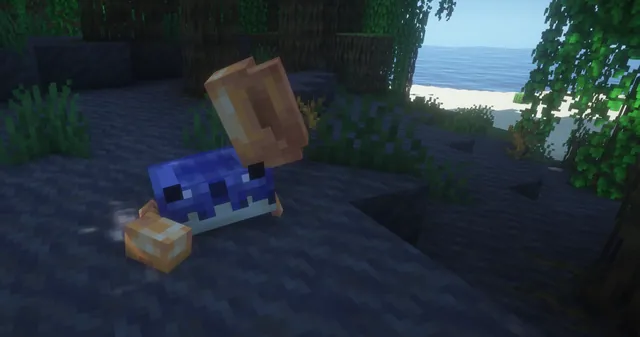
Adds outvoted and forgotten Minecraft mobs including the Moobloom from Minecraft Earth, along with Copper Golem, Glare, Rascal, and Iceologer.
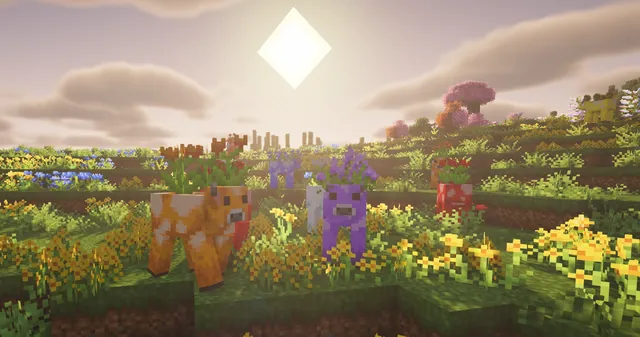
An addon for Friends&Foes that adds sixteen flower variants of the Minecraft Earth Moobloom mob.

Brings 14 exclusive mobs, blocks, and items from the discontinued Minecraft Earth game into Java Edition.

Ports mobs, items, and unique creature behaviors from Minecraft Earth to Minecraft Java Edition.
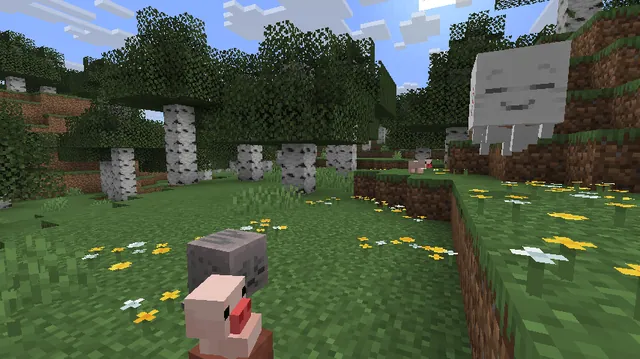
Brings mobs from the discontinued AR game Minecraft Earth into the Minecraft Overworld.
A mod that brings mobs from Minecraft Earth, such as Muddy Pigs, Jolly Llamas, Boulderers, and Viler Witches, into the Overworld.
A mod that brings mobs, items, and blocks from Minecraft Earth into Java Edition.
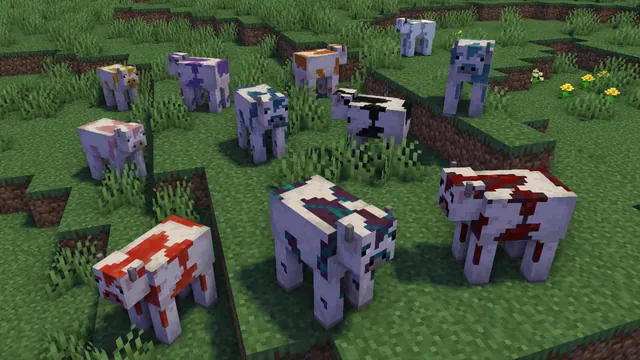
A mod that brings the Moobloom from Minecraft Earth into Java Edition with multiple flower variants and datapack customization.