
McOSM
A mod that imports OpenStreetMap data to generate real-world building shells, roads, and vegetation, compatible with Terra121 and Build The Earth.
Overview
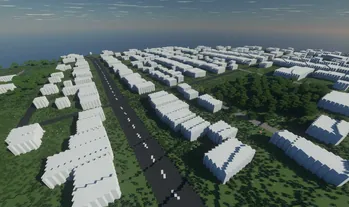
McOSM is a Minecraft modification that imports OpenStreetMap information directly into the game. It is designed for full compatibility with CubicChunks, Terra121, and the Build The Earth map projection. The tool operates in both Cubic and standard Non-Cubic chunk worlds. When operating inside a Terra121 environment, users should set the map orientation to upright with the BTE projection, while disabling road and building outlines for optimal results.
Generated Features
The mod automatically constructs building shells using specific attributes found in OpenStreetMap data. Structures are generated to match their recorded height, and windows are placed according to the number of floors listed. Additionally, the exterior blocks are selected based on the material or color tags assigned to the real-world building.
Beyond structures, the tool generates various road networks and natural vegetation. It translates map data into different types of roadways, including stairs and pedestrian walkways. For foliage, the generator places individual trees, rows of trees, and hedges in their corresponding mapped locations. Certain planned elements, such as railways, train platforms, tunnels, indoor corridors, and pedestrian crossings, are currently listed as unfinished tasks.
Interface and Commands
Players can retrieve map data directly from the API through an in-game interface or load it from a local file. To generate an area, users find the latitude and longitude for the northwest and southeast corners of their target region and input them into the menu opened via the /osm command. The interface allows toggling between global placement on a Terra121 map and local placement around the player before downloading the data and starting construction. The building process continues to function even if the player leaves the chunks being modified.
Several specific commands are available to handle data loading, coordinate conversion, and construction tasks. Typing /osmshell immediately constructs the specific structure located directly beneath the player without opening the menu, while /osmfile loads information from a specified file path. Users can also copy the API address to their clipboard using /osmapi with coordinates, translate between GPS and in-game coordinates with /osmcoords, or halt all active tasks using /osm stop.
How to install
- Install the loader shown in the table (Fabric, Forge or NeoForge) for the same Minecraft version.
- Put the .jar file into
.minecraft/mods. - Start Minecraft with that loader profile.
Similar

A customizable world generation platform and API for Fabric, Forge, and Bukkit servers used to create custom and Earth-like terrain.
 1:40m
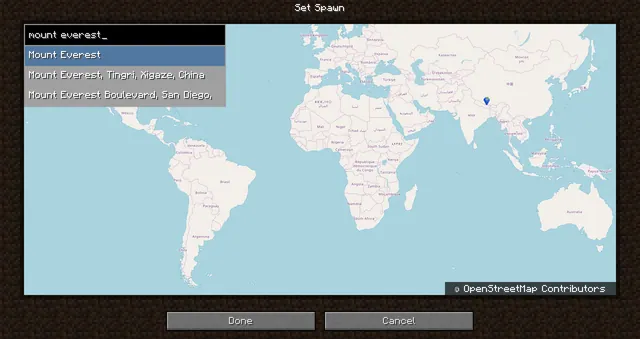
A world generation mod that creates a customizable, scale-adjustable replica of planet Earth using streamed geographic data.
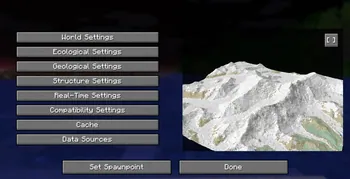
A world generation mod that streams real-world elevation, climate biomes, roads, and buildings from geographic and OpenStreetMap datasets.
A world generation mod that adds a real Earth world type to Minecraft.
 ~1:6
A configurable real-Earth world generator using AWS elevation tiles and climate data to create Earth terrain at adjustable zoom scales.
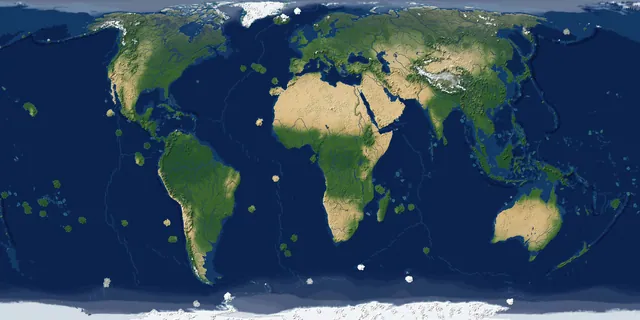
A real-Earth world generator for TerraFirmaCraft featuring real continents, rivers, lakes, mountains, climate zones, and coordinate spawning.
A China-optimized fork of the Tellus mod that generates real-world Earth terrain, elevation, biomes, and climate from geographic data.
 1 to 1
A performance-focused fork of the Terra 1 to 1 mod that generates the real Earth at a 1:1 scale using online datasets and OpenStreetMap.