
RealTime Plugin
A Paper and Purpur plugin that synchronizes in-game time and weather with real-world locations using Open-Meteo data.
Overview
The RealTime Plugin connects a Minecraft world's in-game clock and climate directly to an actual location on Earth. Built by lead developer ItayDev, this utility brings live environmental synchronization to your server. It adjusts the virtual daylight cycle and atmospheric conditions to reflect the chosen real-world area.
Weather Data and Default Location
Live meteorological and geographical coordinates are retrieved using the Open-Meteo service. Because the tool relies on this platform, server operators do not have to register for an API key to receive updates. Out of the box, the geographical target is pre-configured to New York within the US. Alongside this city setting, the clock is initially linked to the America/New_York timezone.
Commands and Permissions
Server managers can operate the tool using three dedicated text commands. Running /realtime reload refreshes the settings, /realtime sync forces an alignment update, and /realtime status checks the active state. Access to these administrative functions is restricted to players assigned the realtime.admin permission.
How to install
- Install the loader shown in the table (Fabric, Forge or NeoForge) for the same Minecraft version.
- Put the .jar file into
.minecraft/mods. - Start Minecraft with that loader profile.
Similar
A server plugin that synchronizes Minecraft's day/night cycle with real-world time zones or solar time at real geographic coordinates.

A server plugin that synchronizes in-game time and weather with real-world locations.

A mod that syncs in-game weather, seasons, and time with real-life local weather data and system clock.
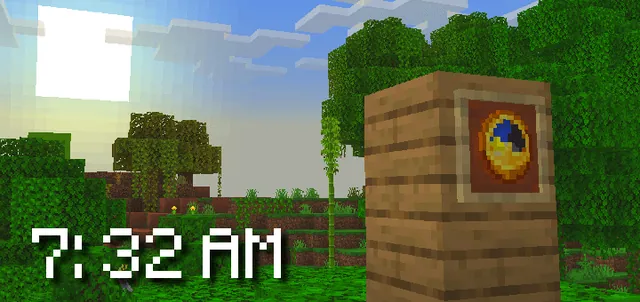
A Bedrock addon that synchronizes the Minecraft world time with real-life time and configurable timezones.

A server-side Fabric mod that synchronizes in-game weather with real-world locations via the OpenMeteo API.

A server plugin that synchronizes in-game time and weather with any real-world location and timezone.

A Fabric mod that syncs the in-game daylight cycle and weather to real-world latitude and longitude coordinates.

A server plugin that syncs in-game weather with real-life weather conditions at specified GPS coordinates.