
RealTimeRotation
A server plugin that syncs the Minecraft sun cycle with real-world sunrise and sunset times for a configured location.
Overview
RealTimeRotation is a Minecraft 1.9 plugin that synchronizes the in-game sun and moon with real-world astronomical cycles. Normally, a standard Minecraft day lasts around 20 minutes, divided roughly into 10 minutes of daylight and 10 minutes of darkness. This utility alters that length to follow a realistic schedule based on user settings, incorporating proper sunrise, sunset, and lunar phases. Following the 0.3.0 b update, which introduced multi-world support alongside compatibility for 1.9 and 1.8, administrators can customize time rules separately for each world.
Daylight hours are determined using specific geographic locations and dates entered into the configuration file. To illustrate, if a server is set to a 24-hour cycle for Berlin, Germany on the 10th of June 2013, the virtual sun will appear at 04:46:47 AM and go down at 9:11:37 PM. Consequently, morning arrives in the game at the exact same time it happens in reality. Administrators can also modify user offsets to bypass server timezone differences and select the exact ticks used for calculating time.
Technical Details and Known Limitations
To fetch real sunrise, sunset, and moon phase data, the tool communicates with an outside third-party server. These external queries only utilize details from the configuration file and never share information regarding the server or its players. Since release 0.1.36 b, users can alternatively set static values to simulate dawn and dusk, which prevents the plugin from making any outside network connections. For compatibility, releases from 0.1.36 b onward run on Java 6, while earlier builds below 0.1.36 b require Java 7.
Since the world clock is constantly tied to real time, normal methods for advancing the day do not function. Using a bed will not fast-forward through the night, and running the /time set n command has no effect. At present, there are no permissions or commands to configure. In future updates, the author intends to add a command for checking the current world or server time, as well as bring back time manipulation via beds and commands.
How to install
- Stop your Paper/Spigot server.
- Put the .jar file into the
pluginsfolder. - Start the server and edit the config it creates.
Similar
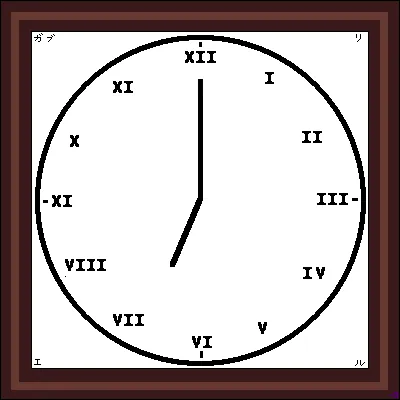
A server plugin that synchronizes Minecraft's day/night cycle with real-world time zones or solar time at real geographic coordinates.

A server plugin that synchronizes in-game time and weather with real-world locations.

A mod that syncs in-game weather, seasons, and time with real-life local weather data and system clock.
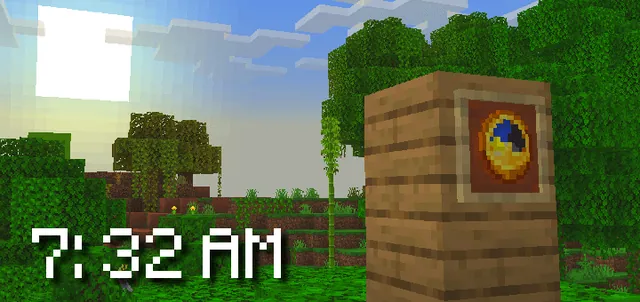
A Bedrock addon that synchronizes the Minecraft world time with real-life time and configurable timezones.

A server-side Fabric mod that synchronizes in-game weather with real-world locations via the OpenMeteo API.

A server plugin that synchronizes in-game time and weather with any real-world location and timezone.

A Fabric mod that syncs the in-game daylight cycle and weather to real-world latitude and longitude coordinates.

A server plugin that syncs in-game weather with real-life weather conditions at specified GPS coordinates.