
TimeSync TS - Real World Time
A Bedrock server addon that synchronizes the world's day/night cycle with real-world IANA timezones.
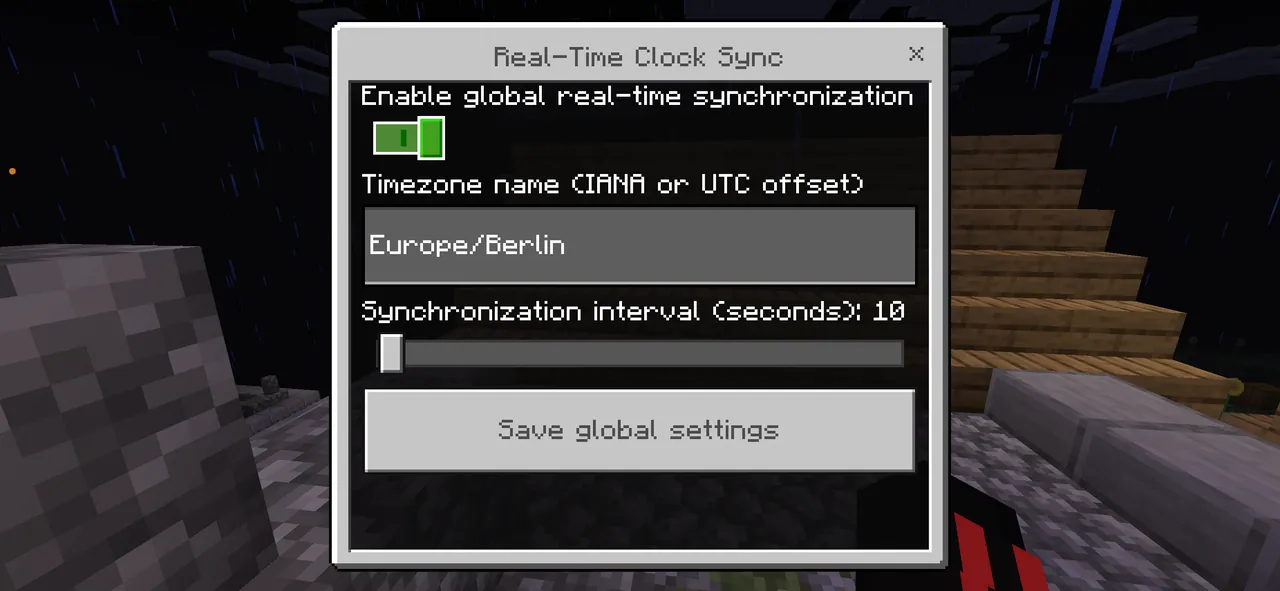
Overview
TimeSync TS - Real World Time matches the Minecraft Bedrock day and night cycle with actual real-world time. Created by Lightscribe, this behavior pack applies time settings globally to every player connected to the world. When the tool is active, the standard in-game daylight cycle is paused, and it can be safely returned to its earlier `doDaylightCycle` state whenever the feature is turned off.
Time Zone and Synchronization Features
Server operators can configure time zones using either IANA names or fixed UTC offsets. Supported IANA formats include options like `Europe/Berlin`, `America/New_York`, and `Asia/Tokyo`, while fixed offsets use formats such as `UTC`, `UTC+01:00`, or `UTC-05:00`. The system also handles daylight-saving time transitions automatically.
Update intervals and persistent settings are managed through an in-game operator menu. Administrators can choose a synchronization frequency ranging from 1 to 300 seconds, and the chosen setup remains saved to the world. If another interface blocks the configuration form from appearing, the menu will automatically attempt to open again.
Server Requirements and Commands
Running this behavior pack requires a Minecraft Bedrock Dedicated Server version 1.21.100 or newer with cheats enabled. Specifically, `allow-cheats=true` must be configured in the `server.properties` file, and the host machine needs an accurate system clock. The add-on operates without needing any experimental toggles turned on.
Configuration and manual controls are restricted exclusively to users with operator permissions. Operators can run `/function time/set` in the chat to open the global settings menu, `/function time/status` to inspect the active setup and target time, or `/function time/sync` to trigger an immediate time update. Standard players without operator status are blocked from accessing the menu, checking the configuration status, or initiating a sync.
Similar
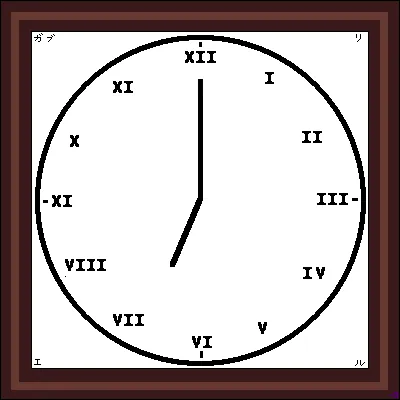
A server plugin that synchronizes Minecraft's day/night cycle with real-world time zones or solar time at real geographic coordinates.

A server plugin that synchronizes in-game time and weather with real-world locations.

A mod that syncs in-game weather, seasons, and time with real-life local weather data and system clock.
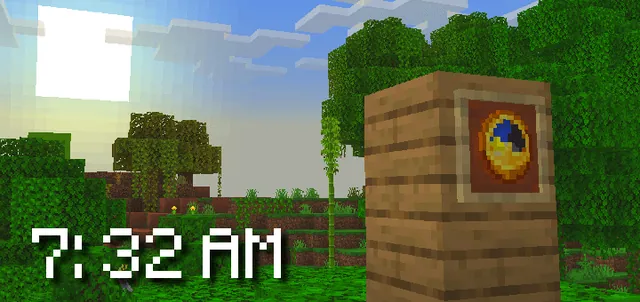
A Bedrock addon that synchronizes the Minecraft world time with real-life time and configurable timezones.

A server-side Fabric mod that synchronizes in-game weather with real-world locations via the OpenMeteo API.

A server plugin that synchronizes in-game time and weather with any real-world location and timezone.

A Fabric mod that syncs the in-game daylight cycle and weather to real-world latitude and longitude coordinates.

A server plugin that syncs in-game weather with real-life weather conditions at specified GPS coordinates.